How to Add The BJJ Study Guide to Your Phone’s Homescreen
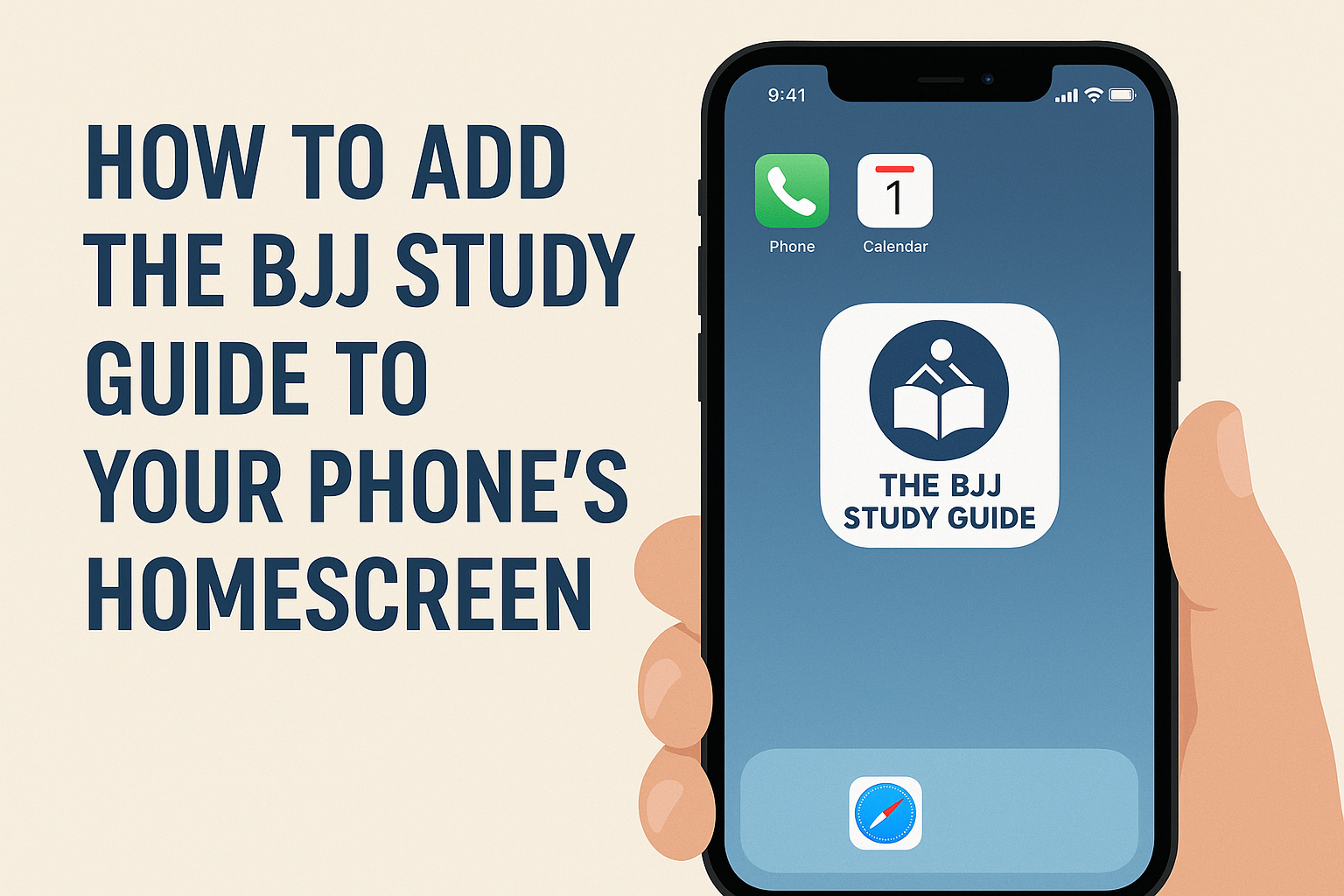
One of the best ways to make The BJJ Study Guide a part of your daily training routine is by adding it directly to your phone’s homescreen. This makes our site function just like an app — no need to type in the web address or search for it in your browser each time. With just one tap, you’ll have instant access to all of our videos, articles, and study resources.
And the best part? When you add the shortcut, you’ll see our new logo graphics as the icon on your homescreen, making it feel like a fully dedicated BJJ app.
Here’s how you can do it in just a few steps:
📱 On iPhone (Safari Browser)
- Open Safari and go to thebjjstudyguide.com.
- Tap the Share icon (the square with an arrow pointing up at the bottom of the screen).
- Scroll down and tap “Add to Home Screen.”
- You’ll see our new logo appear as the shortcut icon. Tap Add.
- Now you’ll find The BJJ Study Guide right on your homescreen, just like an app.
📱 On Android (Chrome Browser)
- Open Chrome and go to thebjjstudyguide.com.
- Tap the three-dot menu in the top-right corner.
- Select “Add to Home screen.”
- Choose a name (we recommend keeping it “The BJJ Study Guide”), and tap Add.
- Our new logo will now show up as the app-like icon on your homescreen.
✅ Why Add It?
- One-Tap Access: No searching or typing in web addresses.
- App-Like Experience: Feels just like opening a dedicated BJJ app.
- New Logo Shortcut: Our fresh logo graphics will make your homescreen look even sharper.
- Train Smarter, Faster: Quickly jump into videos or articles right after training or sparring.
Adding The BJJ Study Guide to your homescreen is a small step that makes a big difference in how easy it is to keep up with your BJJ studies. Give it a try today and make your training flow even smoother.
Related Post
Mastering the Closed Guard: Sweeps, Attacks, and Why It’s Essential
In Brazilian Jiu Jitsu, the closed guard is one of the first positions students learn [...]
Mastering the Back: What Every BJJ Student Should Study
In Brazilian Jiu-Jitsu, the back is widely considered the most dominant position in grappling. From [...]